Help & getting started
Set up your first event or find a guide for your next step, from designing to the event-ready files.
Getting started
Choose who creates the designs, add your business details and start an event. You can revisit setup any time.
Help guides
Follow a step-by-step guide with screenshots from PhotoStrip Studio.
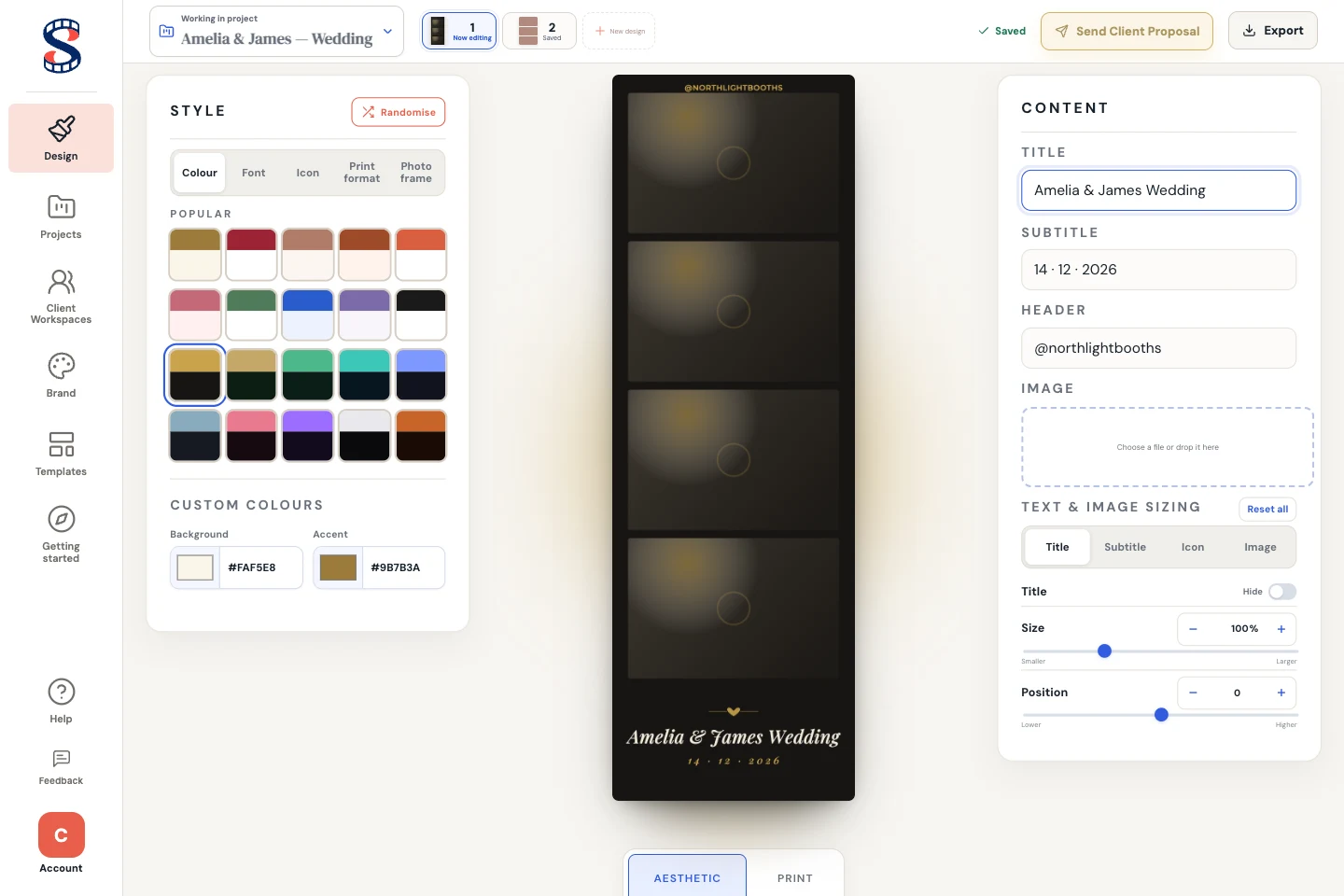
Create a design
Choose a format, edit the wording and style, then save your first event design.
Read guide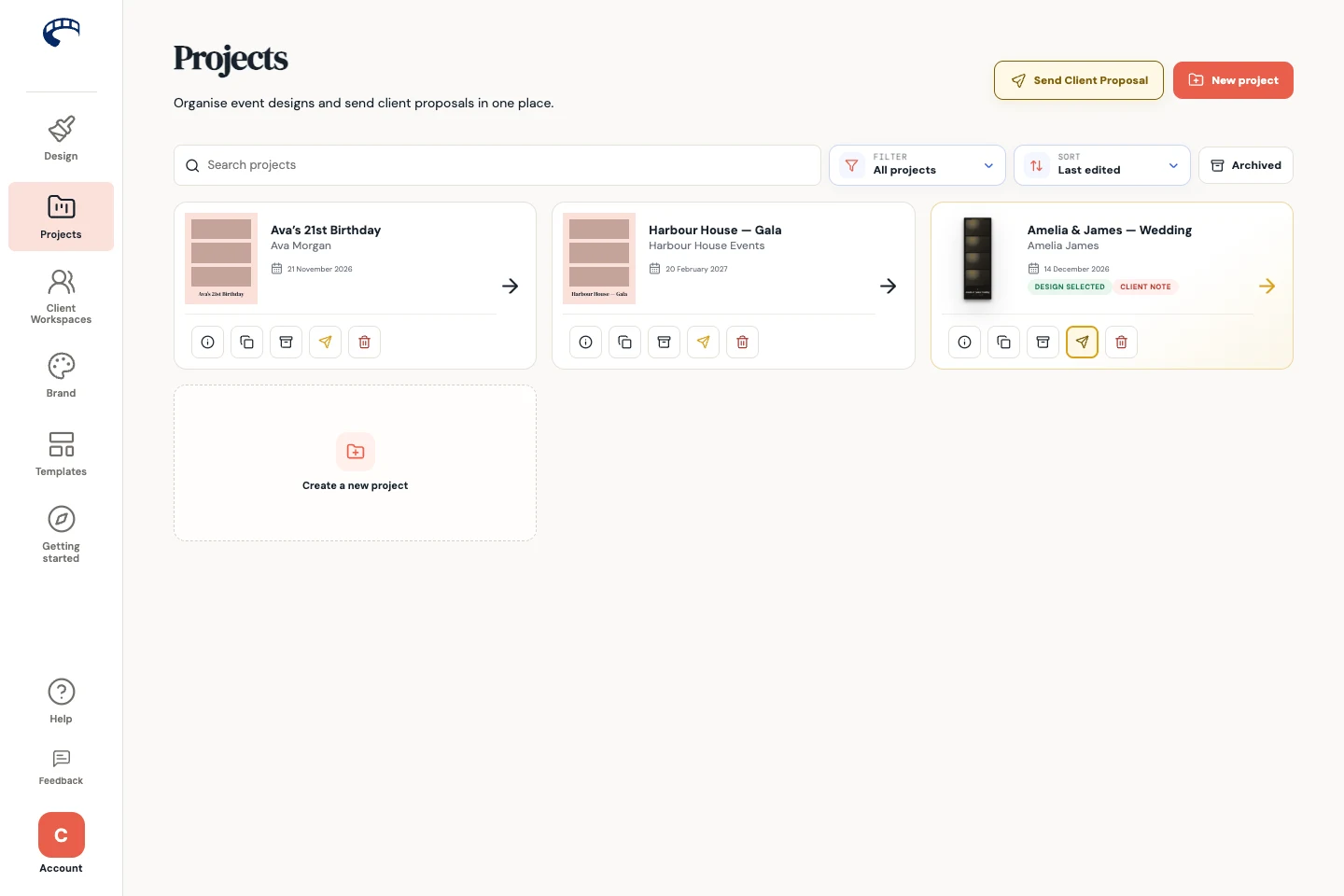
Organise projects
Find saved designs, follow proposal responses and keep your event list tidy.
Read guide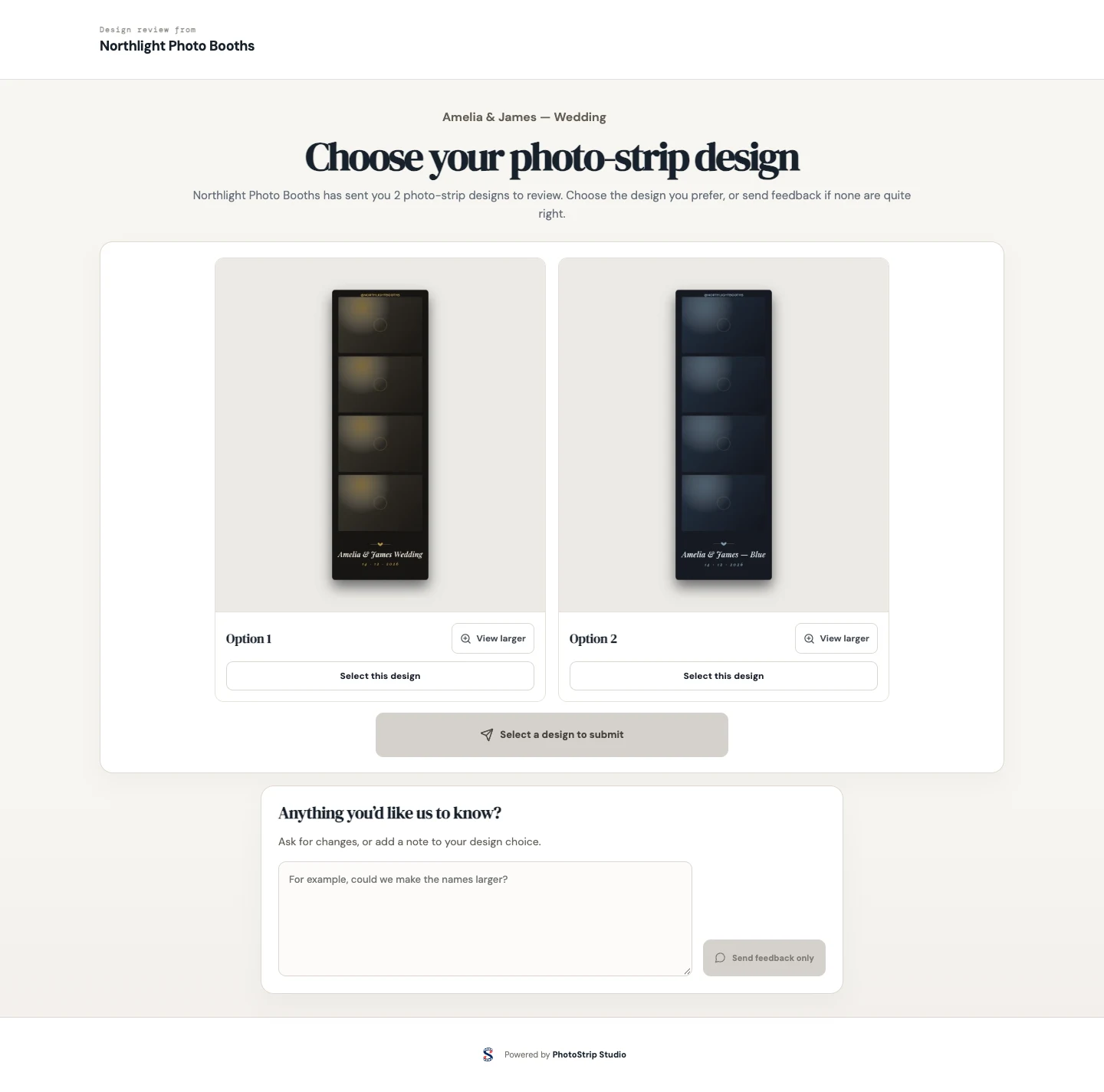
Send a client proposal
Send finished design choices, receive feedback and follow the client's selection.
Read guide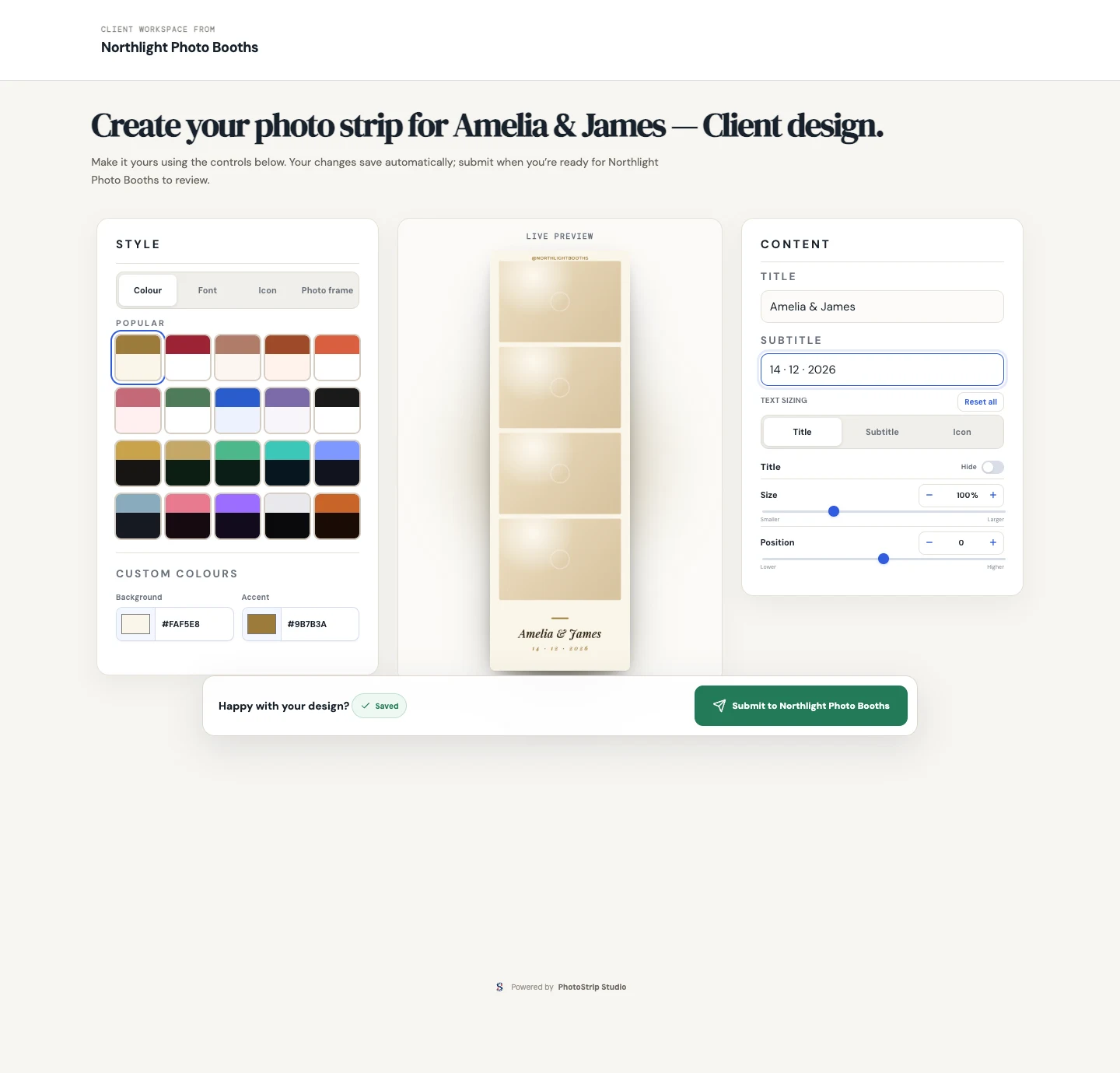
Set up a Client Workspace
Let clients design within your chosen format and controls, then receive their submission.
Read guide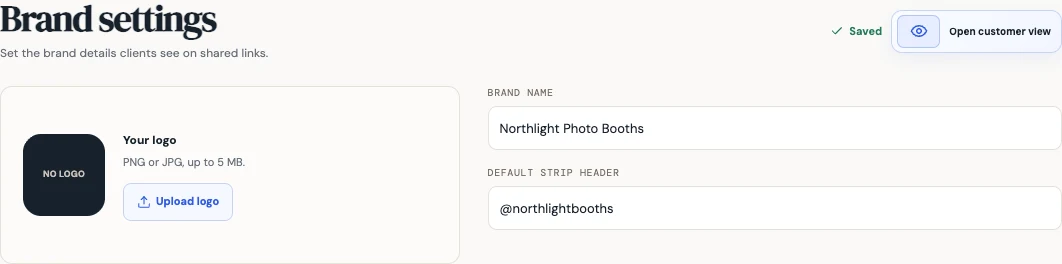
Set up your brand
Add your business name, reusable strip header and logo for client-facing pages.
Read guideExport your files
Choose PNGs or booth packages and complete the import, capture and print checks.
Read guide